![]() PlayStationVR2 App
PlayStationVR2 App
Details
 |
|
| Playtime | 2h 34m 0s |
| Last Activity | 1/10/2025 10:16:24 |
| Added | 27/05/2025 9:55:29 |
| Modified | 27/05/2025 9:57:49 |
| Completion Status | Played |
| Library | Steam |
| Source | Steam |
| Platform | PC (Windows) |
| Release Date | |
| Community Score | |
| Critic Score | |
| User Score | |
| Genre | |
| Developer | |
| Publisher | |
| Feature | |
| Links | |
| Tag | Free to Play Simulation Software Utilities VR |
Description
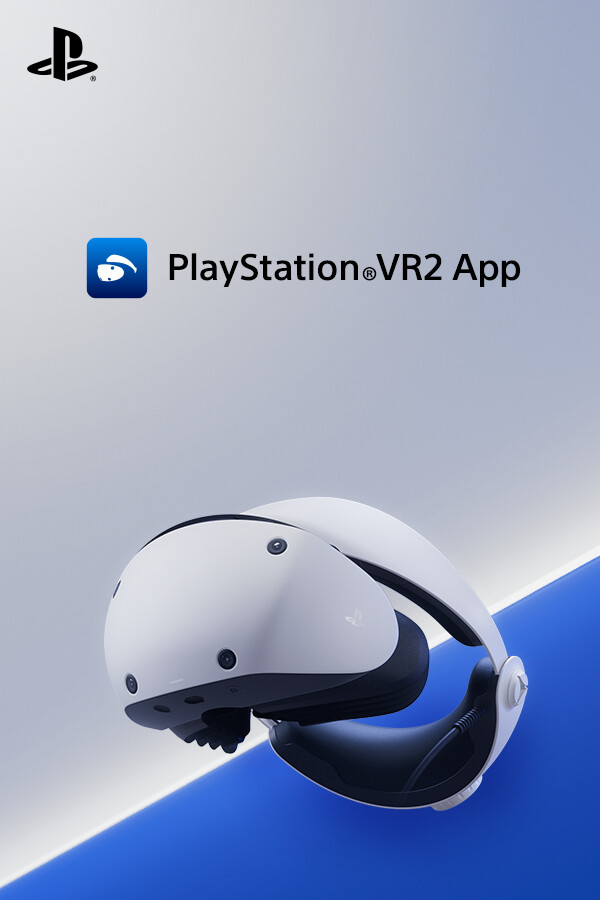
Enjoy VR games and apps on Steam with PlayStation VR2!
You'll need the following to get started with PlayStation VR2 App:
For details about the required specs for PC, visit the PlayStation VR2 support page, or refer to the "System Requirements" section below.
When connecting PlayStation VR2 Sense controllers to a PC, connection or tracking problems may occur depending on the condition of the Bluetooth devices being used or the surrounding environment. In such cases, refer to the PlayStation Support page titled "Bluetooth adapters compatible with PS VR2 on PC" for more information.
To play VR games and apps on Steam with PlayStation VR2, PlayStation VR2 App needs to be installed on your PC. Keep the app installed even after initial setup is complete.
- Play VR games and apps on Steam using your PlayStation VR2 VR headset and PlayStation VR2 Sense controllers.
- Set up your PlayStation VR2 on your PC.
- Update the firmware for your PlayStation VR2 VR headset and PlayStation VR2 Sense controllers.
- Adjust settings for your PlayStation VR2 from the SteamVR dashboard, including setting your play area and screen brightness.
You'll need the following to get started with PlayStation VR2 App:
- PlayStation VR2 VR headset
- PlayStation VR2 Sense controllers
- PlayStation VR2 PC adapter
- DisplayPort™1.4 cable (sold separately)
- Bluetooth® adapter (sold separately, required only if your PC doesn't support Bluetooth®)
For details about the required specs for PC, visit the PlayStation VR2 support page, or refer to the "System Requirements" section below.
Using this app
When connecting PlayStation VR2 Sense controllers to a PC, connection or tracking problems may occur depending on the condition of the Bluetooth devices being used or the surrounding environment. In such cases, refer to the PlayStation Support page titled "Bluetooth adapters compatible with PS VR2 on PC" for more information.
To play VR games and apps on Steam with PlayStation VR2, PlayStation VR2 App needs to be installed on your PC. Keep the app installed even after initial setup is complete.